Official Tesla Microphone Caraoke Mic for Tesla(Works for Model Y/3/X/Cybertruck ) Rechargeable Mic with USB-A & USB-C Converter
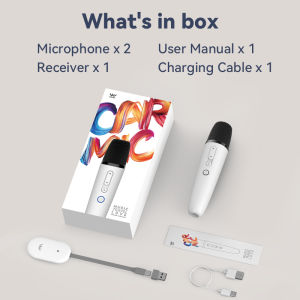
Question 1: Can I use both microphones together?Answer: Yes, you can purchase the two mics version. Once the receiver is inserted into the car, both microphones will work simultaneously.However, if you bought the single microphone version and want another microphone late, that's not OK because the receiver you have can only connect with one microphone. The receivers firmware for single and dual microphone are different, so it's recommended that friends just buy the 2mics version directly.Question 2: Will the microphone work with my Tesla car? Answer: The microphone is suitable for Tesla Model Y Model X, Model 3, Model S and Cybetruck..And if your car with old firmware version like purchased years ago pls update your Tesla firmware to the newest.Question 3: Is it possible to charge the microphone after it runs out of power?Answer: Absolutely, the microphone has a built-in lithium battery and a USB-C charging port. The product includes a USB-C cable for charging.Question 4: Do I need to pair the microphone with the usb receiver?Answer: No, there's no need to pair the microphone with the receiver as it comes pre-paired. Simply power on and start singing. However, if you encounter any issues like no sound from the microphone, you can try repairing it.Question 5: My car only has USB-C ports, how can I use the receiver?Answer: In such a situation, please remove USB-A converterï¼as we already offered both USB-A and USB-C Jack.Question 6: Microphone volume is low how can I do?Answer: Please adjust the master volume of your Tesla to the highest. When you open music/karaoke apps such as TJ Media,YouTube or Stingray, you will be able to control the volume of the music and microphone separately within the app.Therefore, it is important to increase the master volume to a higher level in order to have the flexibility to adjust other volumes accordingly.If no sound issues persist, you can follow these instructions to Re-Pairing the microphone:Method for Pairing Single MicrophoneStep 1With the receiver plugged in and the microphone is off state, long press the "Voice Key" and "Power Key" simultaneously for more than 8 seconds, the microphone indicator light flashes, into the pairing state (microphone close to the receiver within half a mete, there should be no obstructions between them)Step 2Re-plug the receiver and wait for the receiver indicator light blinks fastStep 3When the receiver light is flashing, press the "Power Key" and "Voice Key" at the same time to exit the pairing mode. At this time, the microphone indicator light stays on, and the receiver indicator light stays on to indicate that the pairing is complete.Method for Pairing Dual MicrophonesStep 1With the receiver plugged in and the microphone is off state, long press the "Volume+ Key" and "Power Key" simultaneously of one microphone for more than 8 seconds, the mice indicator light flashes, into the pairing stateStep 2The other microphone in the off state, at the same time long press "Volume- Key" and "Power Key" simultaneously for more than 8 seconds, the mic indicator light flashes, into the pairing mode (microphone close to the receiver within half a met, there should be no obstructions between them)Step 3Re-plug the receiver and wait for the receiver indicator light blinks fastStep 4Press the microphone in Step 1, and press the "Voice Key" and "Power Key" at the same time to exit the pairing mode; The same method as above for the microphone in Step 2Step 5If both microphones and receiver indicators are stay on, the pairing is complete and you can use it normally.

ShanYunz
Review
You May Also Like
AI Smart Camera Glasses Bluetooth High-definition Calling AI Everything Recognition 800W Anti-shake Shooting Smart Headphones
JBL | JBL GO3 Wireless Bluetooth Mini Speaker IP67 Waterproof Portable Pocket Loudspeaker For Outdoor Hiking Camping Audio
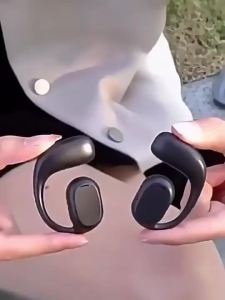
(HD1)OWS KY2 Single-ear Earbuds Bluetooth Wireless Earphone Big Capacity Battery Touch Control On Ear Business Sport Music Headset
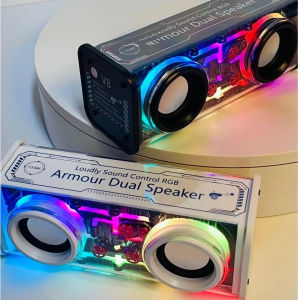
XIAOMI New Bluetooth Speaker Transparent Mecha Dazzle Colourful Lights V8 Dual Bar Small Steel Cannon Bass Diaphragm Speaker Bluetooth
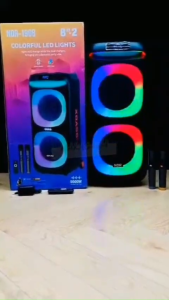
NDR-1908 40W DUAL 8-INCH HIGH POWER PORTABLE BLUETOOTH SPEAKER WITH LED LIGHT WIRELESS MICROPHONE
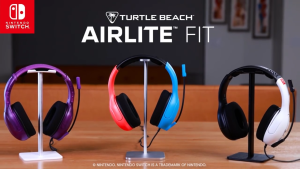
Turtle Beach Airlite Fit Wired Gaming Headset - Lightweight Over-Ear Headphones with Microphone for Nintendo Switch & PC 3.5mm Audio Jack Comfortable Fit Gaming & Voice Chat
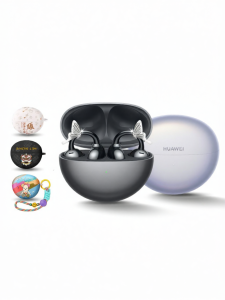
HUAWEI | Ear Clip Open-Style Bluetooth Headphones
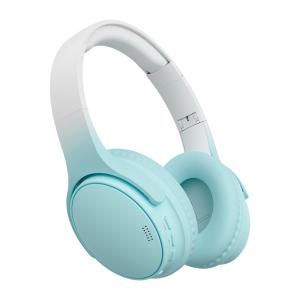
Kinbas | Long Battery Life Noise Cancelling Wireless Gaming Headphones
![[ValentinesDay]heartM520TWSBluetoothEarphoneSportWirelessHeadphoneWithMicBT5.3HiFiWomenCuteGift](https://img.lazcdn.com/g/p/1702417d8cffe9a569a6c309eb7e6270.jpg_300x300q80.jpg)
[ValentinesDay]heartM520TWSBluetoothEarphoneSportWirelessHeadphoneWithMicBT5.3HiFiWomenCuteGift
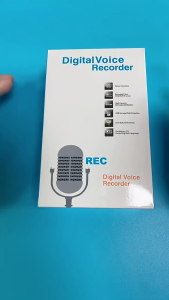
Portable voice recorder 20H ultra-long standby time Built-in 64gb with automatic noise cancellation
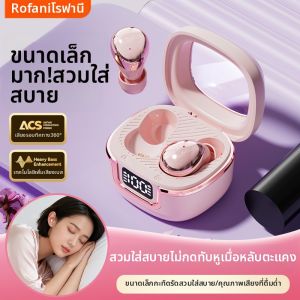
Rofani | Sleep Work Mini In-ear Invisible Noise-canceling Bluetooth Earphones