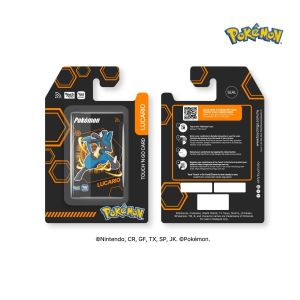
Touch n Go 30th Anniversary Pokemon Special Edition LED Card Pikachu Lucario Mimikyu Support NFC topup
With Touch 'n Go Pokémon Special Edition LED Card, you get to enjoy: 1. Convenient reload anytime, anywhere via Touch 'n Go eWallet, as the card comes with NFC technology 2. Contactless and cashless payment of Toll, Public Transit, and Parking with your card 3. Worry less when you can check your card balance anytime via Touch 'n Go eWallet How to link your Touch 'n Go Pokémon Special Edition LED Card to Touch ‘n Go eWallet app? Step 1: Launch your Touch ‘n Go eWallet app and tap on “Cards”. Step 2: Select “TNG Card” and click on “+” symbol. Step 3: Tap on the NFC symbol and scan your card at the back of your phone for at least 5 seconds. Step 4: There you go! How to reload your Touch 'n Go Pokémon Special Edition LED Card on Touch ‘n Go eWallet app? Step 1: Launch your Touch ‘n Go eWallet app and tap on “Cards”. Step 2: Select “TNG Card” and click on “Reload” button. Step 3: Scan your card at the back of your phone for at least 5 seconds. Step 4: Enter reload amount and scan the card again Step 5: There you go!

BearbrickFlow.MY Toys Shop
Anda mungkin menyukai
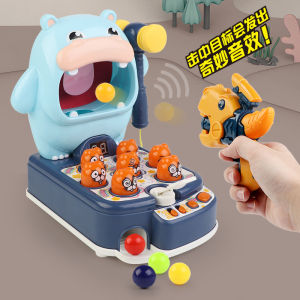
Toy Kids Shooting Scoring Toys Beat Hamster Game With Chinese-English Version and Music Learning Educational
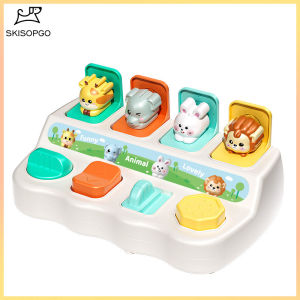
SKISOPGO Baby Pop Up Animal Toy Peekaboo Switch Box Early Education Developmental Cause and Effect Toy
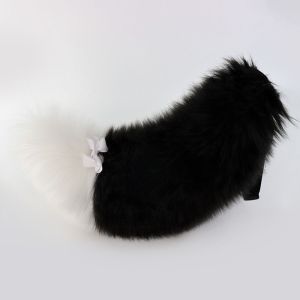
GAOSU with Adjustable Belt Furry Fursuit Kigurumi Tail Fluffy 60cm/23in Animal Wolf Dog Tail Sweet Bow Halloween Cosplay Accessories Anime Exhibition Accessories
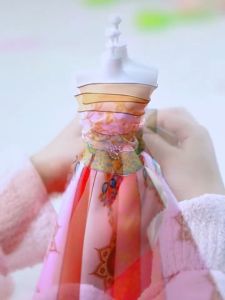
daidai (Ready Stock) Children Toy Girl Princess Birthday Gift Hanfu Puzzle DIY 服装设计复古汉服礼物diy材料儿童手工换装益智过家家女孩玩具 (Age 3-9)
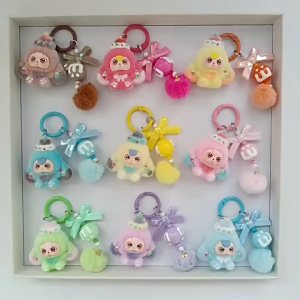
【Local Seller】Flocked Dessert Three-Year-Old Baby Accessories Cartoon Cute Keychain Bag Pendant Fashion Jewelry Gifts

Supercow Full Version Fixed Version Nostalgic
Water Snake Fidget Toy Slipping Toys Anti Stress Funny Fun Toy for Kids Squishy
Kayou | Jigsaw Puzzle 1000 Pieces Colorful Fruit Flower Bouquet Puzzle Home Decor for Adults Game Family Fun Puzzles Educational Toys
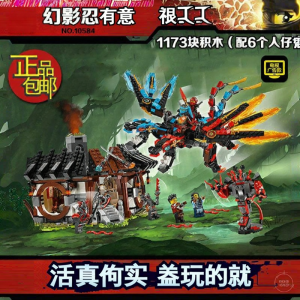
NINJAGO Elemental Dragon Secret Base Building Toy
![S.H. Figuarts - WarGreymon Digimon Adventure Bokura no War Game! [Tamashii Web Shoten Exclusive]](https://img.lazcdn.com/g/ff/kf/S66d590e7020940bf8b4a400619b1b08c7.jpg_300x300q80.jpg)
S.H. Figuarts - WarGreymon Digimon Adventure Bokura no War Game! [Tamashii Web Shoten Exclusive]
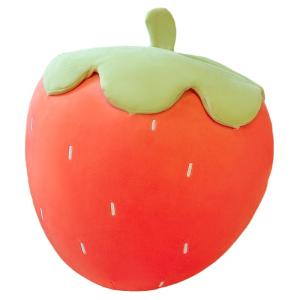
QIAOSHANG | Soft Strawberry Plush Pillow