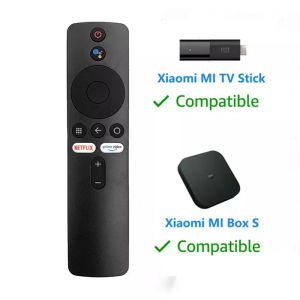
(HD1)Replacement Remote for Xiaomi Mi TV Stick/Mi 4S 4K Bluetooth Voice Control
New Remote XMRM-006 For Xiaomi MI S MI TV Stick MDZ-22-AB MDZ-24-AA Smart TV Bluetooth Voice Remote ControlWith Google Assistant1. Please insert two No. 7 batteries prior to first useOpen the battery cover by applying pressure and sliding it downward, then insert two No. 7 batteries and reattach the battery cover.2. PairingFrom device desktop, enterSettings > Remote Control and Accessories >Add Accessory, then follow the on-screen instructions.Once paired, a message will appear on the TV screen to indicate a successful connection.Important Reminders:*Always keep the firmware of your TV/cable updated with the latest/most stable version to ensure optimal user experience.Dear friends, please delete your old remote control before pairing the new Mi remote.

CoreDigital
Ulasan

Anda mungkin menyukai
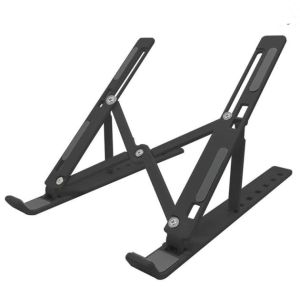
Laptop Stand Support Heat Dissipate Ergonomic Foldable Multi Angle Komputer Riba Rak Rack 手提电脑架散热
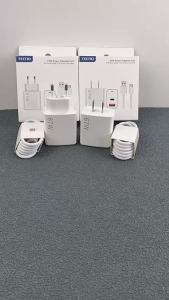
Tecno 67W EU US Charger Dual Ports Fast Charge USB A/C PD Power Adapter 6A Type C Cable For TECNO Camon Spark 40 30 20 Pro

WH For Philips Air Purifier Accessories FY0293 FY0194 AC0819 AC0820 AC0830 Dust Collection Filter Parts
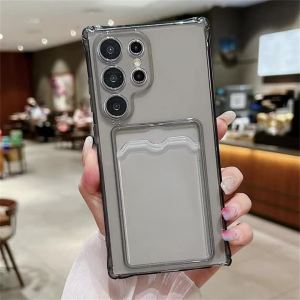
Wallet Card Holder Case For Samsung Galaxy S24 Ultra S25 Plus S23 FE S22 S21 A55 A35 A25 A15 A16 A06 5G Phone Cover Accessories

Portable USB LED Light Soft Light Eye Protection Night Light 2 LED 5V Desk Reading Lamp USB 小夜灯 USB Light USB Lamp Lampu
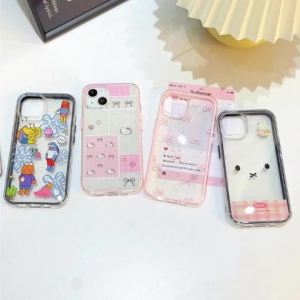
Cute Bear Two-in-one Phone Case For Samsung S25 Ultra A56 S26 Ultra A57 5G A55 A17 A07 A37 S23 A34 S24 Plus A25 TPU Capinha Caha
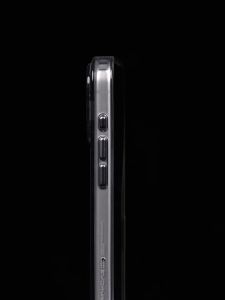
WAKCAS Gloss Black See-Through MagSafe iPhone 18/17 Pro Max / 18/17 Pro Case
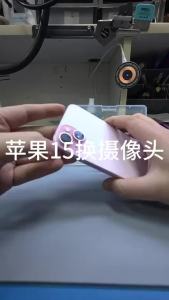
Back Main Rear Camera With Flex Cable For iPhone 11 12 13 14 15 Pro Plus promax 12 13 14 15 Pro Max 13Mini Replacement Parts

Protective Decorative Laptop Decal
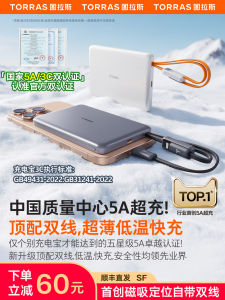
TORRAS | Portable with Dual Cables Airplane-Ready Power Bank 20000mAh
Philips | Multifunction Power Strip 1 to Multiple Sockets 86 Type