Soundcore by Anker Space One Headphones Hi-Res Sound Hybrid Active Noise Cancelling Headsets ANC TWS-A3035
Authorized Anker Sound Core Reseller - Red Design100% Local Stock · Ships from Malaysia · Fast Delivery100% Authentic with Local Warranty 2X* stronger voice reduction Compared with soundcore Life Q30 headphonesReduce noise by up to 98% with adaptive noise cancelling *Tested by soundcore under laboratory conditionsCrisp, Hi-Res sound via 40mm dynamic driversWorry-free battery (40H ANC on, 55H ANC off)8° rotating ear cups and soft integrated headband for all-day comfort5 levels of adjustable transparency to tune your worldHow to Switch Ambient Sound Modes1. Space One automatically sets the default ANC and Transparency levels are both set to 5. These levels can be adjusted through the soundcore app according to personal preference. 2. Pressing the NC button once will switch between noise canceling and transparency modes by default. You can add "normal mode" through the soundcore app, after this, you can press the NC button to cycle through noise canceling, transparency, and normal modes.How to ResetTo reset the Space One back to factory settings, turn on the headphones and then press and hold the power button and volume up button for 5 seconds. The power indicator light will flash slowly three times in red, indicating that the headphones have been reset to factory settings successfully. Note: After restoring to factory settings, all function switches will be restored to their default settings. For example, after restoring to factory settings, the wear detection function will be restored to the default closed state. Please reset the function switches according to personal usage habits.How to Switch to BassUp Mode1. The "Controls" section of the soundcore app allows you to set the double-tap NC button to activate the BassUp feature. After setting, you can experience the BassUp effect by double-tapping the NC button. 2. You can also select the Bass Booster EQ in the soundcore app to experience the BassUp effect.How to Enable the Wear Detection FunctionThe automatic play/pause feature (Wearing Detection) is turned off by default. Please remove the dustproof sticker on the sensor detection hole inside the left earpads. Enable the "Wearing Detection" in the upper right corner of the soundcore app to activate the Wearing Detection feature.Wearing Calibration Related1. If the Wearing Detection function is not sensitive enough, you can use the wearing calibration feature to improve the sensitivity of the wearing detection. 2. Calibration method: You can perform wearing calibration in the "Wearing Detection" section of the soundcore app's settings menu by following the prompts to restore detection sensitivity. To avoid calibration failure, please pay close attention to the place/wearing guide provided in the souncore app.

Red Design

Review

You May Also Like
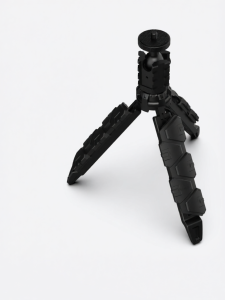
Tactical Floor Metal Speaker Stand
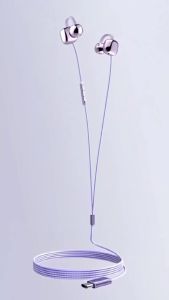
Newmsnr | NEW Clip-on Type C&3.5mm Wired Headphones HIFI Sound Sports Earbuds Handfree Gaming Headsets With HD Mic Earphones For Samsung
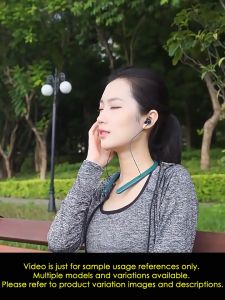
KEC36✅ BLUETOOTH Earbuds Earpiece Bluetooth Wireless Ear Buds Earphones Superior High Quality Earphone HIFI Sport / Strong Bass Stereo Earphone HD Music Heavy Bass Ear Phone Earbud Ear Piece Earfon Headset Headphone Good Sound Quality Business Stylish
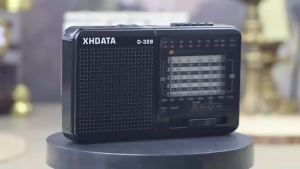
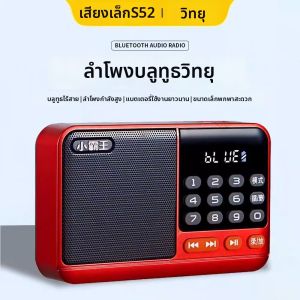
XHDATA | XHDATA D-328 Portable Pocket FM1-2/AM/SW Radio DSP With TF MP3 Player Type-C Compact Travel Camping Radio For Elder
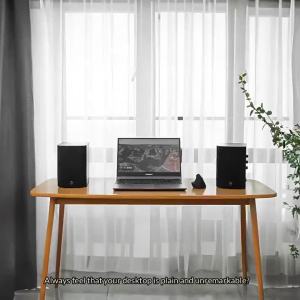
HiVi SWAN D1100 Active Bluetooth Bookshelf Speakers RMS HiFi Stereo2.0 DSP Studio Monitors 4"Woofer
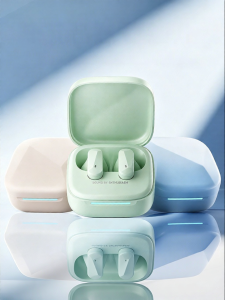
ROEL-PLAY | Wireless Semi In-ear Bluetooth Headset High Sound Quality Long Battery Life Comfort Wear Noise Reduction

kinyo | Integrated Microphone and Speaker Singing Home KTV Bluetooth Wireless
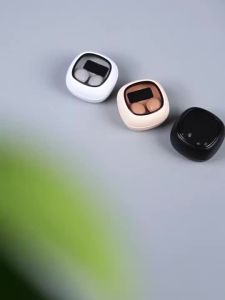
Sleep Earphones Painlessly Headphones Comfortably Headsets Noise Cancelling Ultra Water Resistant Thin Earbuds
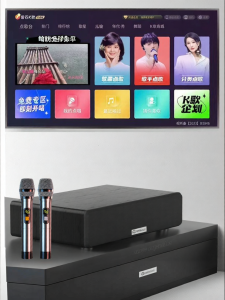
DAOUBO | Smart Song Selection Karaoke Microphone Sound System

Redmi Buds 5 Pro | TWS | 52dB ANC | Hi-Res Wireless | Ultra-Wide Frequency Noise Cancellation | 38 Hours Battery GENUINE XIAOMI MALAYSIA
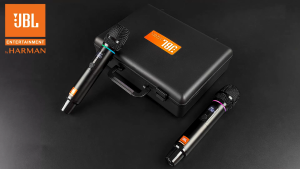
JBL VRL-200 rechargeable UHF handheld wireless microphone professional microphone with 6.5 mm output interface suitable for karaoke and live performances