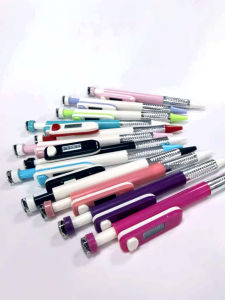
2026 Digital Tasbish Pen: An Essential Counter Pen for Offices and Schools
2026 Digital Tasbish Pen: An Essential Counter Pen for Offices and SchoolsItem:Counter PenFunctions: Counting, compass, time displayWeight: 5gMaterial: PlasticPatent number:202430106559.7User ManualTime Mode: The device starts in time modeby default, showing the current time. Pressand hold for 2.5 seconds to enter timesettings. The first option is the 24/12-hourformat (press briefly to switch), displayedas 24 Hr or 12 Hr. Press and hold for 2seconds to move to the second option forhour adjustment (press briefly to increase)and hold for 2 seconds again to move tothe third option for minute adjustment(press briefly to increase),.Press and holdfor 2 seconds once more to return to timedisplay or the device will automaticallyreturn to time display after 1 minute ofinactivity. When in normal time display, abrief press of the key switches to countmode.Count Mode: Press briefly to increment thecount by 1. Press and hold the TG key for2.5 seconds to reset to zero. If you continueto hold for another 2 seconds, it will switchto time display. When the count is at zero,holding for 2 seconds will switch to timedisplay. The device will automatically switchback to time mode after 1 minute ofinactivity in count modePower On/Off: In time mode, press andhold for 5 seconds to power off and enterpower-saving mode. After the screen goesoff, press and hold for 3 seconds to poweron and return to time mode

DJSTREETWEAR
Ulasan

Anda mungkin menyukai
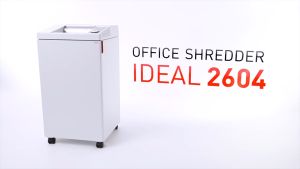
IDEAL 2604 SMC Oiler Micro Cut P7 (0.8 x 5mm) Non Stop Paper Shredder - 13 sheets 100 litres (non stop Micro Cut Mesin Penghancur Kertas)
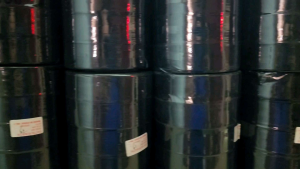
2.5 CM Satin Ribbon /25 Yards DIY Bow Craft Satin Ribbon Flower Wrapping Webbing Decoration /Use For Wedding Parties or Birthday Parties.
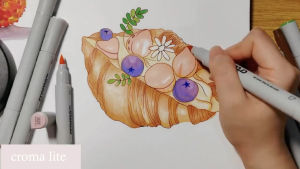
Croma Soft & Hard Dual Tip Alcohol-Based Marker Set – 288 Colors Available| Student/Anime/Fashion Design/ landscape design/ industrial design| EU Certified Refillable Ink Anti-Roll Caps
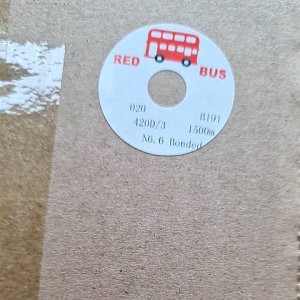
Premium 020 1500M Coarse Nylon Sewing Thread for Furniture & Canvas - Red Bus NYLON THREAD
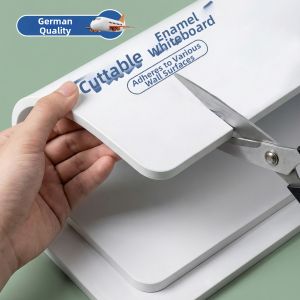
CIBOSHI | Magnetic Home Use Enamel Display Board
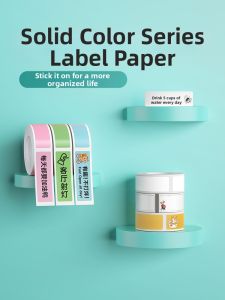
DTPrinter | 3-Protective Thermal Label Sticker
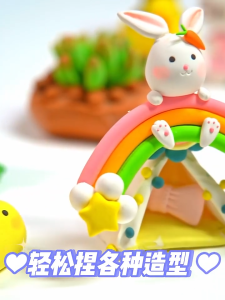
72PCS Air Dry Clay Colored clay Clay Dough with Box Non-Toxic Easy to Stretch Childrens Handmade
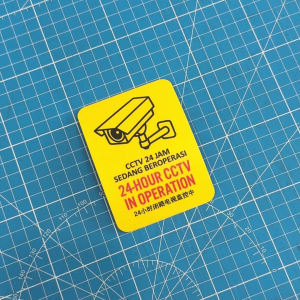
24 Hour CCTV in Operation. Cctv 24 Jam Sedang Beroperasi. Sticker Sign Signage. Warning Camera.
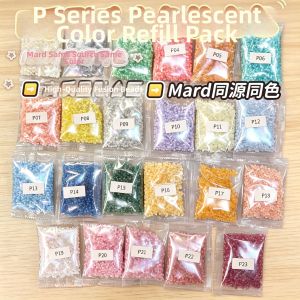
YUGUANG | Iridescent Glow-in-the-Dark High-Transparency Jelly Bean Supplement Pack
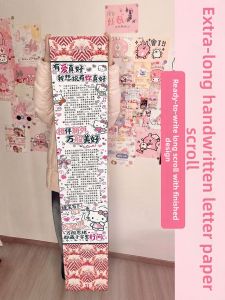
ZHAISHISANLU | DIY Love Letter Long Roll Gift Set 172cm
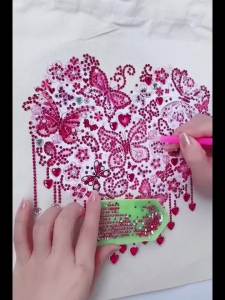
1pc DIY Season Diamond Painting Shopping Bag for Women Non- Woven Crystal Rhinestone Diamond Art Canvas Bags for Shopping Travel