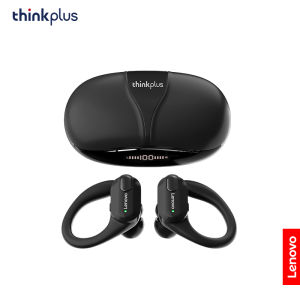
Lenovo | Lenovo XT80 Earphones With Mic Hifi Stereo Sound Bluetooth Wireless Sports Headsets LED Power Display Waterproof Cycling Earbuds
• Wireless Bluetooth 5.3 :Enjoy seamless connectivity with the latest Bluetooth 5.3 technology for uninterrupted audio streaming.• Built-in Microphone :Take calls on-the-go with ease thanks to the built-in microphone that allows for hands-free communication.• LED Power Display :Keep track of your headphones' battery life with the convenient LED power display that shows you how much charge is left.• Volume Control :Adjust the volume of your music or calls with ease using the convenient volume control feature.Lenovo XT80 Ear Hook Sports Wirless HeadephoneWhat's in the box:2 x[Bluetooth Earphones]1 x [Charging Case]1 x [User Manual]1 x [Type-C Charging Cable]3 x earphone cups (S,M,L size)【FAQ】:Q: What should I do if the headset received unable to turn on?A: Confirm that the charging case has power left.If charging case power off, please put the earphones in charge case and charging for 1 hour and try again.Q: What should I do if Sound comes from only one earphone?A: Put both earphones back into the charging case and close the cover, then take them out again to check whether both ears have sound. If only one earphone still has sound, please restore the factory settings for both earphones.Q: How to solve the problem that the mobile phone prompts that it cannot connect?A: Delete the pairing record on the mobile phone, and then search for pairing and connect again.Q: How to solve the problem that there is no sound when listening to music or calling?A: There is a settings icon on the right side of the Bluetooth connection name on Android phones. Click to enter, turn off the mobile phone audio and media audio, and then turn them on again. If there is still no sound, please re-pair the earphones with the mobile phone.Q: How to pair two earphones.A: Step 1: Delete the Bluetooth link of the corresponding earphone on the phone, and then turn off the phone's Bluetooth function. Step 2: Put both the left and right earphones back into the charging compartment. Step 3: Wait for 10 seconds, take out both left and right earphones from the charging compartment, and wait for the earphones to match. Step 4: Wait for 10 seconds, turn on the Bluetooth function of the phone, search and connect the headphones to use.【Other Tips】:1. Before using the earbuds, please read the manual carefully and keep it for future references.2. The earbuds need to be fully charged prior to first-time use.3. lf the earbuds are left unused for over two weeks, please recharge.4. Please use the chargers made by qualified manufacturer.

Prime Supply_Play Life
Review

You May Also Like
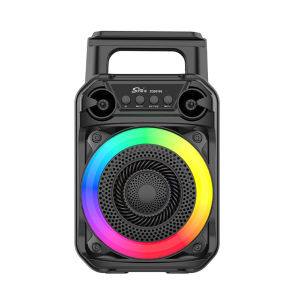
Outdoor Indoor Bluetooth Portable Speaker with Microphone RGB Lights for Karaoke and Music Enjoyment
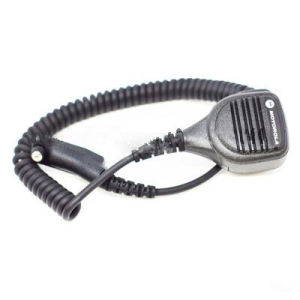
PTT palm mic motorola PMMN4040A
ZEALOT M2 Portable Bluetooth Speaker 10W | Outdoor Wireless Speaker | Long Battery Life | TWS Stereo Pairing | High Sound Quality Speaker
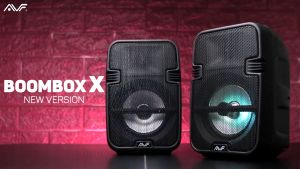
AVF Boombox-X Portable Wireless Bluetooth RGB Speaker - Black/Blue
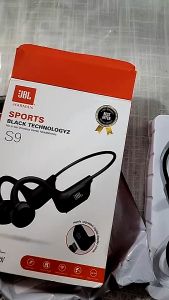
JBLs Sweatproof Wireless Bluetooth Earphone Sports Running Headphone Headset 運動藍牙耳機
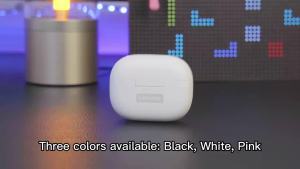
Lenovo | Lenovo Earphones TWS Wireless Bluetooth 5.3 Earbuds HiFi Stereo Noise Reduction Headphones Touch Control HD Call with Mic New
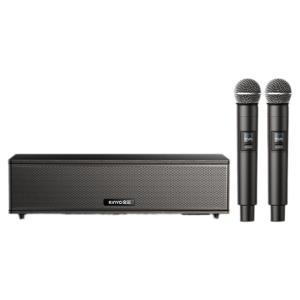
kinyo | Retro Karaoke Bluetooth Speaker with Amplifier Home Use
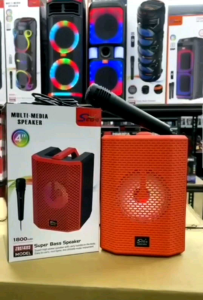
WIRELESS BLUETOOTH DJ KARAOKE SPEAKER WITH RGB LIGHTING*🔥🔥
ROCWARE RM702 Cascading Omnidirectional Digital Array Microphone (Desktop or Ceiling Mounted) | 360° Pickup | Up to Six Mic Cascaded | POE-powered | AI Audio Algorithms | Infrared Remote Control | Flexible Installation Options
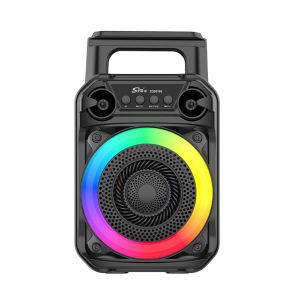
Wireless Speaker Subwoofer Karaoke Speaker with Microphone Outdoor Speaker Suitable for Home Theater Outdoor Dance Party
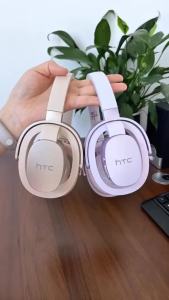
HTC Original AI Translate Headphone HP07 HiFi Stereo Sound Wireless Bluetooth Earphones Sport Game Headset With Mic Low Latency