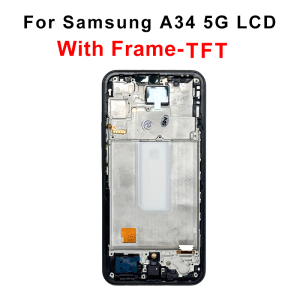
TFT Display For Samsung Galaxy A34 5G Screen SM-A346B SM-A3460 Touch Digitizer Replacement For Samsung A34 LCD SM-A346E Display
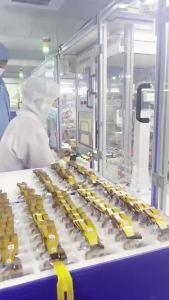
TFT Display For Samsung Galaxy A34 5G Screen SM-A346B SM-A3460 Touch Digitizer Replacement For Samsung A34 LCD SM-A346E DisplayAbout the products:1.This item is compatible with: For Samsung Galaxy A34 LCDModels: SM-A346E, SM-A346B, SM-A346B/DS, SM-A346B/DSN, SM-A346E/DS, SM-A346E/DSN, SM-A346M, SM-A346M/N, SM-A346M/DSN, SM-A3460Package List1 X Display Screen Assembly1 X Full Set of Professional Installation ToolsNo Frame Assembly VS With Frame Assembly1.No Frame ScreenOnly integrated touch and display panel without middle frame. You need to transfer your original phone middle frame manually. Complicated disassembly steps required, not recommended for DIY beginners.2.With Frame ScreenTouch screen, display panel and matched middle frame are pre-assembled integrally. Support direct plug-and-play replacement, greatly saving installation time and difficulty.Why it has to be us?1.MSMADE has been more than 10 years for wholesale supplier with physical store in guangzhou and shenzhen china.2.ears of cooperation with customers around the world.3.More than 7-10 years professional worker testing each LCD.4.Factory supply with professional production line.Purchase NoticeThis is a high-quality aftermarket replacement screen, not an original factory part. Slight minor differences in brightness, color and texture may exist individually. Please place an order carefully if you are very sensitive to tiny screen differences.Quality AssuranceEvery screen is fully tested before shipment to ensure no dead pixels, no screen lines and normal touch function. We use shockproof foam packaging for safe delivery. Each screen has a unique MS label for quality guarantee.Important Pre-Install Test Rules (Must Read)Do NOT glue or install the screen directly! All damage caused by direct installation without testing is not covered by warranty.1. Keep All Original Labels & FilmsDo not tear off the protective film and MS label during testing. 2. Test in Loose Connection OnlySimply connect the screen flex cable to the phone motherboard loosely. Do NOT snap it into the frame, do NOT use any glue. Turn on the phone and test brightness, touch, color and display pixels. Start official installation only if all functions work well.3. No Rough OperationNever squeeze, press or bend the flex cable and chip area. Improper operation will cause permanent screen damage, which is not covered by warranty.Professional SuggestionIf you have no phone repair experience, please ask a professional technician for installation to avoid unnecessary damage.

Prime Supply_Play Life
Review

You May Also Like
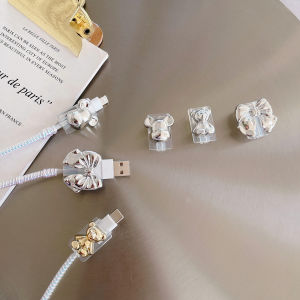
Piple | Type-C USB Data Cable Protector Anti-Breakage
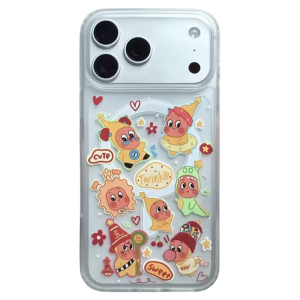
LIANGWU | Magnetic Stand Cartoon Cute Phone Case
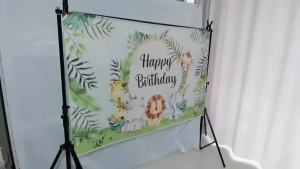
Pink Wild Western Cowgirl Theme Photo Booth Frame Props Birthday Party Decoration Party Background Girl Gift Supplies
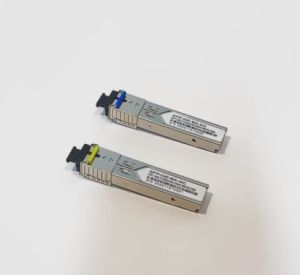
1.25G Gigabit SFP Transceiver Module A+B Set Single Mode SC Connector 1310nm/1550nm 1000M Fiber Optic Module Compatible with Cisco Mikrotik Switch
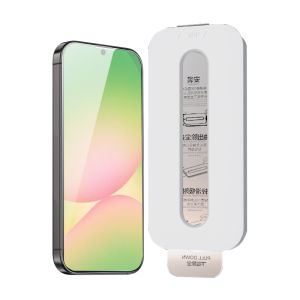
JLD | Full Screen Anti-Fingerprint Tempered Glass Screen Protector for Samsung A56 A36

Tesla 25/26 Model 3 Highland/Y Juniper Tempered Glass Screen Protector with Installation Kit Anti Fingerprint
Logitech | Logitech M650 Wireless Bluetooth Mice Silent Ergonomic Design For Daily Work Home Office Laptop Computer
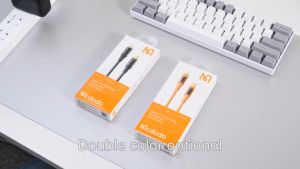
ORIGINAL MCDODO CABLE PD CABLE 36W FAST CHARGING CABLE COMPATIBLE FOR APPLE CABLE FAST CHARGE CHARGER CABLE 1.2M CABLES WAYAR KABEL
JOMAA | JOMAA Split Ergonomic Keyboard with Cushioned Wrist and Palm Rest 2.4G USB Wireless Ergonomic Split Keyboard with Dust Cover
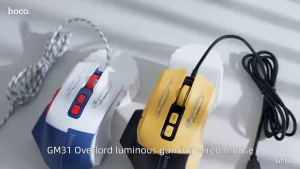
【Flagship 2024】Hoco GM31 Original 100% LED Backlight Wired Mouse USB Wired for Desktop Laptop Office Computer Gaming Mouse With DPI value: 1200/1800/2400/3600
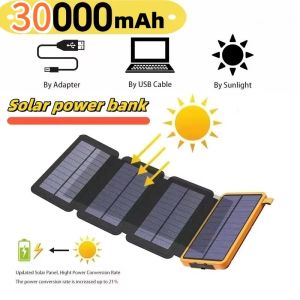
30000mAh Solar Power Bank External Battery Pack Folding Solar Panel Powerbank Double USB Charger Phone Powerbank